POV-Ray Program by Jay Tanner - 2025
Getting Started With LUNEX
-
The first step is to install POV-Ray v3.7.0 and make sure that LUNEX works OK with a simple demo rendering.
In the main LUNEX home folder, there is a test/demo file called:
Geocentric-Full-Moon-Test.pov
Loading and running that POV-Ray file should render the geocentric full moon in fast preview RenderMode 1.
If it works, then apparently all is OK and you should be ready to go.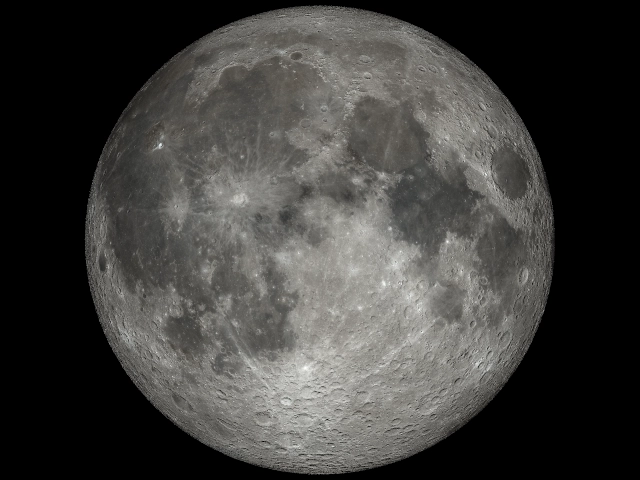
Initially, the moon may be treated like globe sitting on a desktop.
The LUNEX folder should be a fully self-contained system and able to be ported to just about anywhere you wish to put it in your system after POV-Ray v3.70 has been installed and is working.