POV-Ray Program by Jay Tanner - 2025
Finding Objects or Features in LUNEX
-
How to Find Objects or Features in LUNEX
Finding a target object in LUNEX is very easy. We simply give LUNEX the selenographic coordinates of the object or feature and LUNEX will render the scene centered on those coordinates.
In the home folder, copy the POV file:
DEFAULT-SCENE-TEMPLATE.pov
Then, rename that copy to:
Langrenus-Crater.pov
All subsequent changes in the copy will be made to and replace the default settings to render the new scene.
All subsequent changes in the copy will be made to and replace the default settings.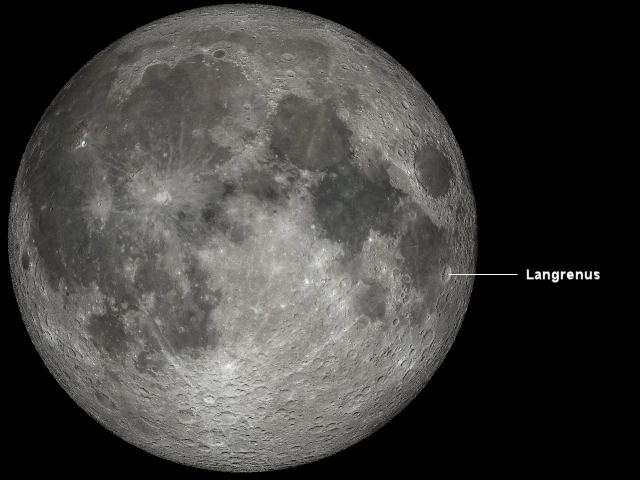
We start with the default geocentric full moon.
For example, to render a scene centered on the crater Langrenus, we obtain the coordinates for the crater Langrenus from the table of crater coordinates and enter them into the LUNEX code block.
For the crater Langrenus, those selenographic (camera) coordinates are:
CamLat = -8.9
and
CamLon = +61.1
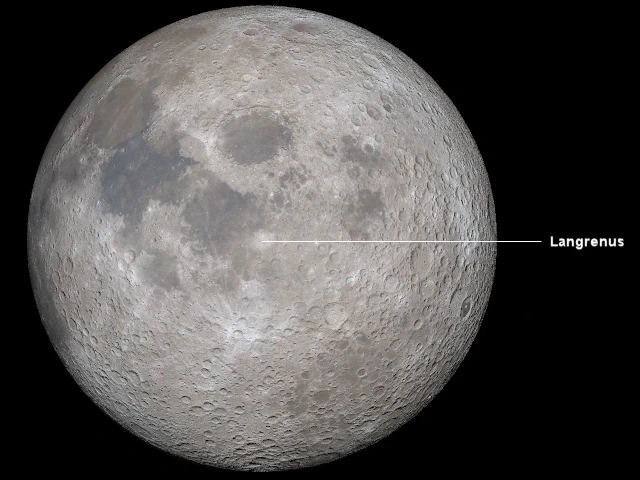
Location of the crater Langrenus.
  #declare CamLat =   -8.9; // Langrenus
  #declare CamLon =  +61.1; // 127 km (79 mi)     Near Side E
The camera (eye) is now centered directly above the crater Langrenus on the right
side of the moon, in the eastern hemisphere.
To make it more dramic, let's change the relative phase angle to 250.0 degrees.
#declare PhaseAng = 250.0; // Range: 0 to 360
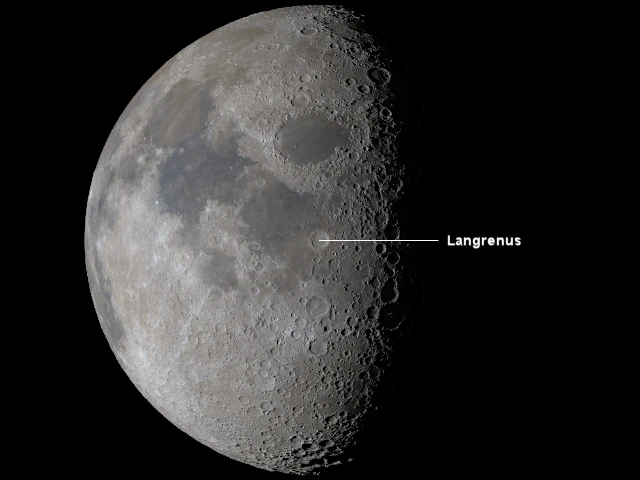
View of the crater Langrenus at relative phase angle 250.0 degrees.
and adjusting the relative phase shading to whatever you think looks best.
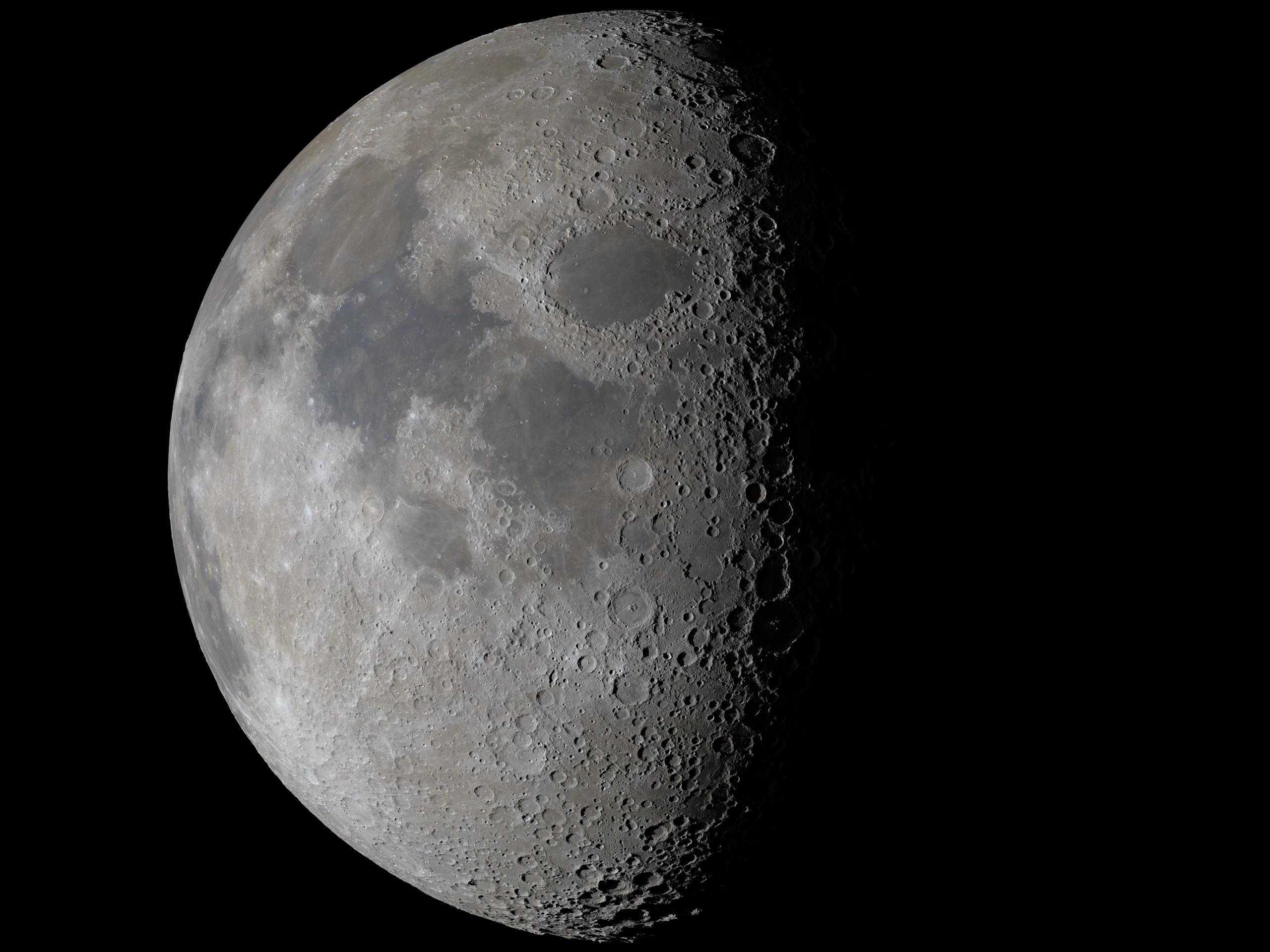
Click on image for the full HD view centered on the crater Langrenus.